
Software Engineer's Productive and Minimal Desk Setup
My 2023 desk setup, built around a white oak standing desk and a clean, minimal look. A walkthrough of the monitor, lighting, keyboard, cable management, and everyday gear I use for coding, editing, and learning, with photos and product links.
This is the companion guide to the video above, with every product link and photo in one place.
I'm a software engineer by day and a part-time creator in the evenings. I spend a lot of hours at this desk coding, editing, and learning, so I built a setup that stays minimal, functional, and productive for both.
The Desk
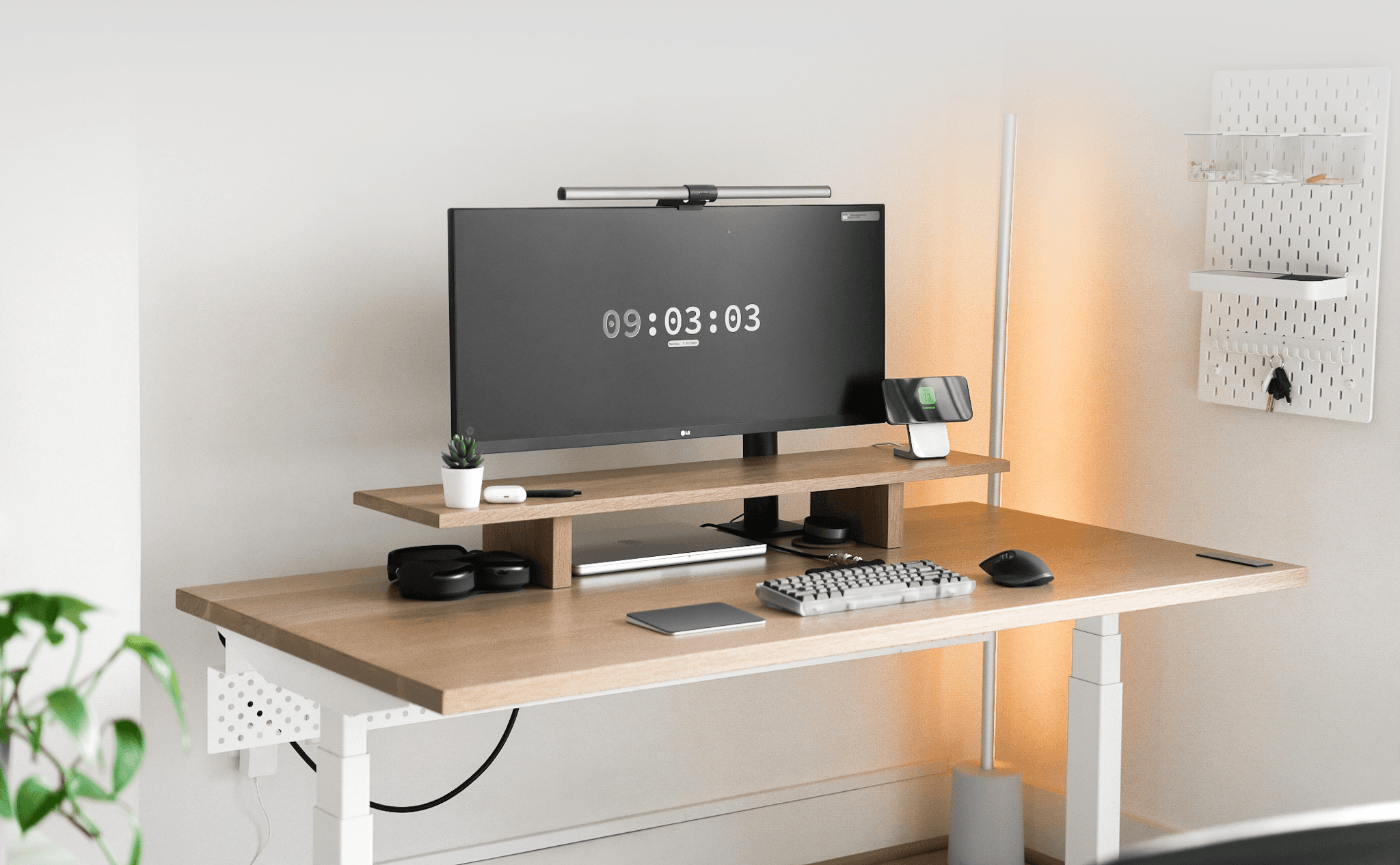
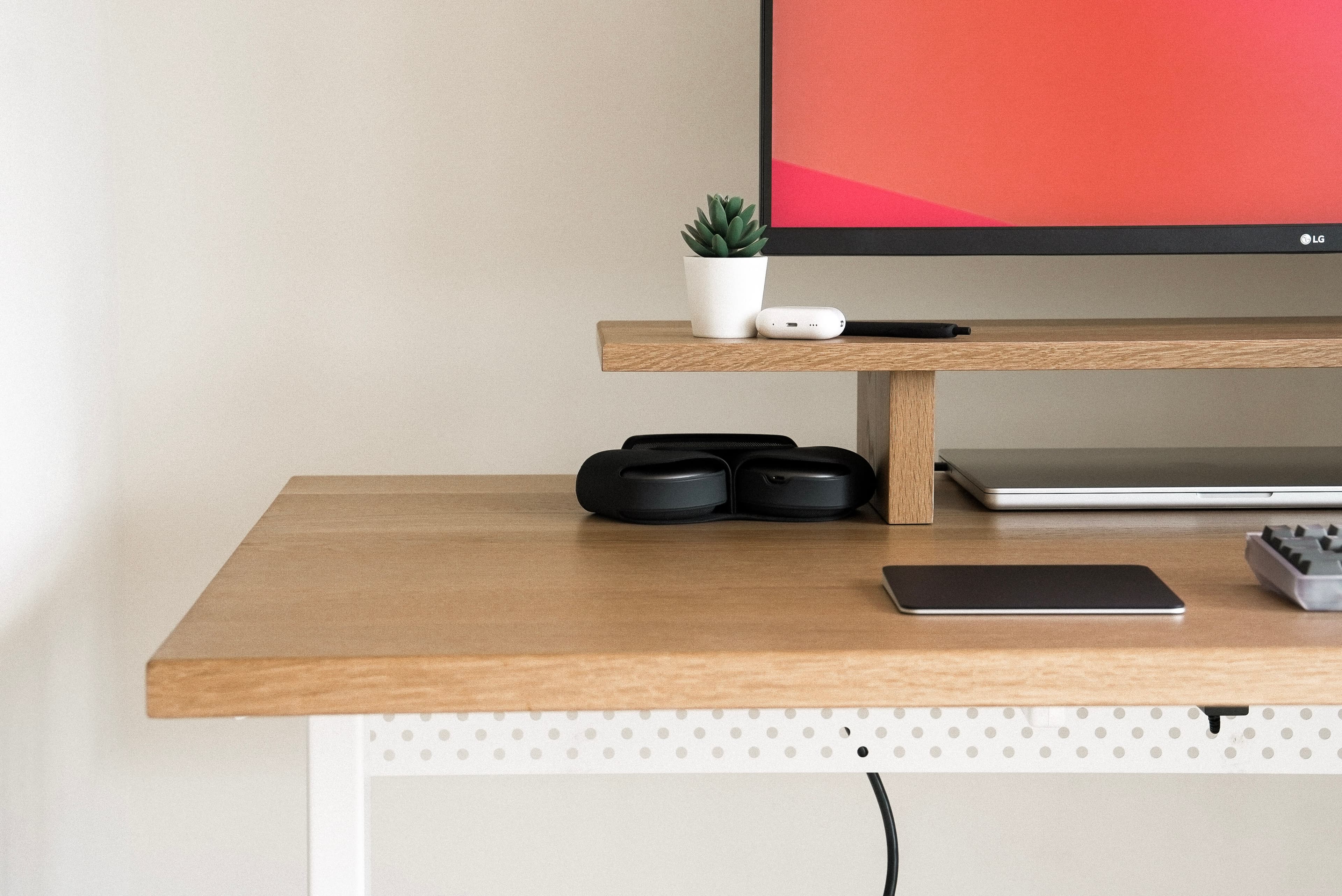
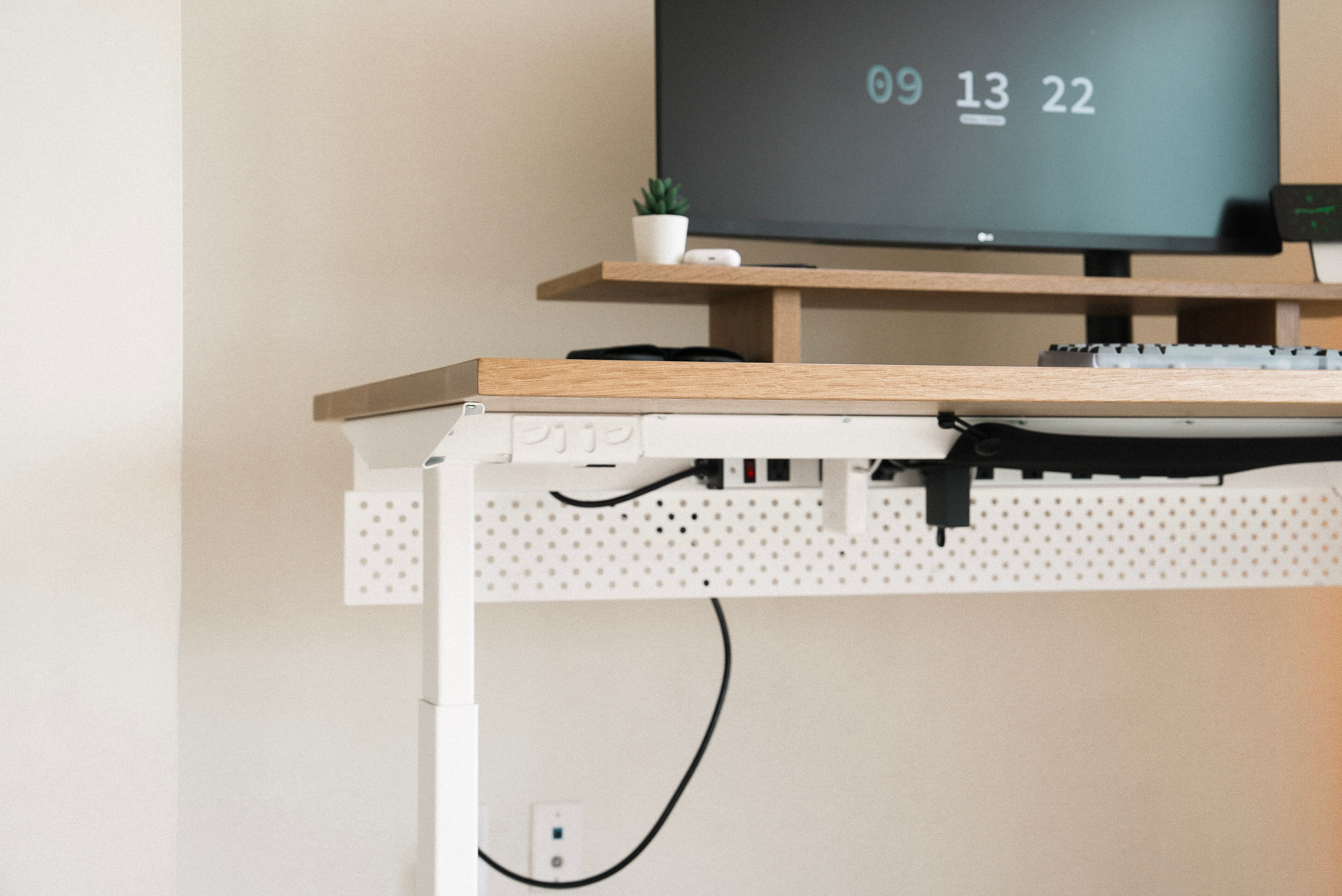
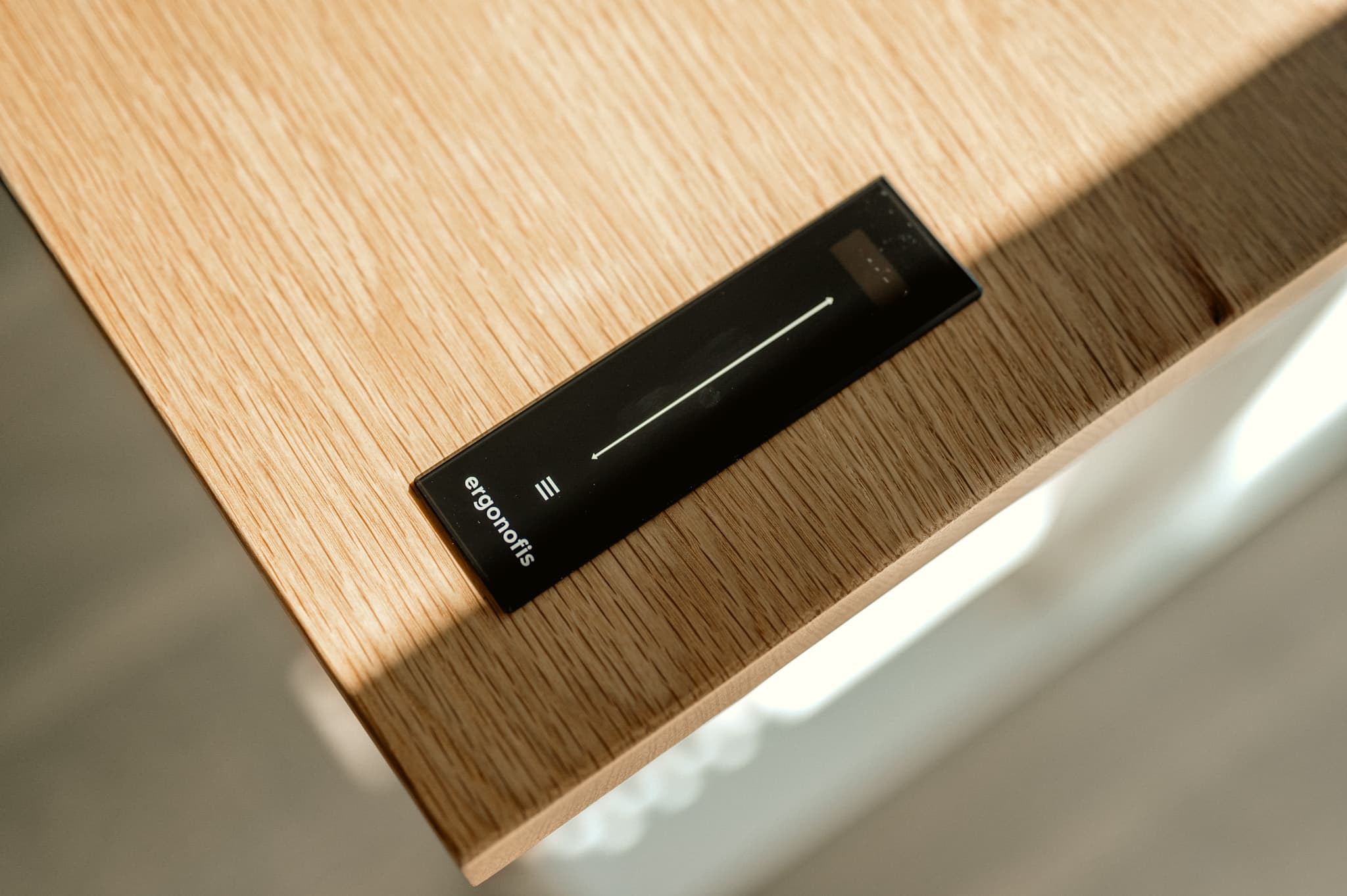
The centerpiece is the Ergonofis Sway Desk, which Ergonofis gifted me for this build. It's a game-changer: a slick control interface, an anti-collision system, and build quality that makes standing all day feel natural. They also sent their solid wood monitor riser / desk shelf, which keeps the display at eye level, improves posture, and adds structure to the surface.
Ergonofis Sway Desk: Versatile standing desk with intuitive preset heights
Monitors and Lighting
A high-quality monitor matters for my work. I chose the LG 34WN780 for its ergonomic stand and wide canvas, and added the BenQ ScreenBar Halo for consistent, glare-free light across the desk.
LG 34WN780 Monitor: Strong monitor with ergonomic versatility
Computer Setup
My primary machine is the 16-inch MacBook Pro. An Anker USB-C hub streamlines connections and cuts cable clutter, and a Nomad MagSafe dock keeps my phone out of the way.
Nomad MagSafe Dock: Premium dock for MagSafe-compatible devices
Audio
I prefer headphones over the monitor speakers. AirPods Max are my main pair for quality and focus, with AirPods Pro for lighter tasks and a Sonos Beam when I want the room to feel like a mini theater.
Peripherals
I'm a mechanical keyboard enthusiast. The Mode Envoy with Alexotos linear switches and a GMK Dracula keycap set is still my favorite daily typer. For pointing, I switch between a Logitech MX Master III and an Apple Magic Trackpad.
 Mode Envoy Keyboard: Favorite keyboard of that year
- Alexotos Linear Switches: Smooth linear switches; I get a lot of compliments on the sound
GMK Dracula Keycap Set: Custom keycaps with a personal look
Chair and Ergonomics
For long sessions, I chose the Herman Miller Aeron. Fully adjustable, with lumbar support that keeps posture comfortable through the day.
 Herman Miller Aeron Chair: Ergonomic chair built for long hours
Miscellaneous Items
A few extras that round out the workspace:
Ikea Skådis Pegboard: Keeps essentials within reach
Conclusion
That was the 2023 workspace. I've since moved and updated parts of the setup — see my NYC desk tour for my next version, but this one still captures where I was that year: minimal, functional, and tuned for long coding and creating sessions.