
The Notion System I Use as a Developer and Creator
A walkthrough of the Notion templates that actually stuck for me: a full-stack roadmap, content OS, notes, and the day-to-day workflows I use as a developer and creator.
I've been using Notion for years. What started as a simple note-taking app became the system I use for content creation, development work, learning, and personal projects. I get a lot of questions about the templates, so this post breaks down the ones that actually matter day to day.
Full-stack developer roadmap
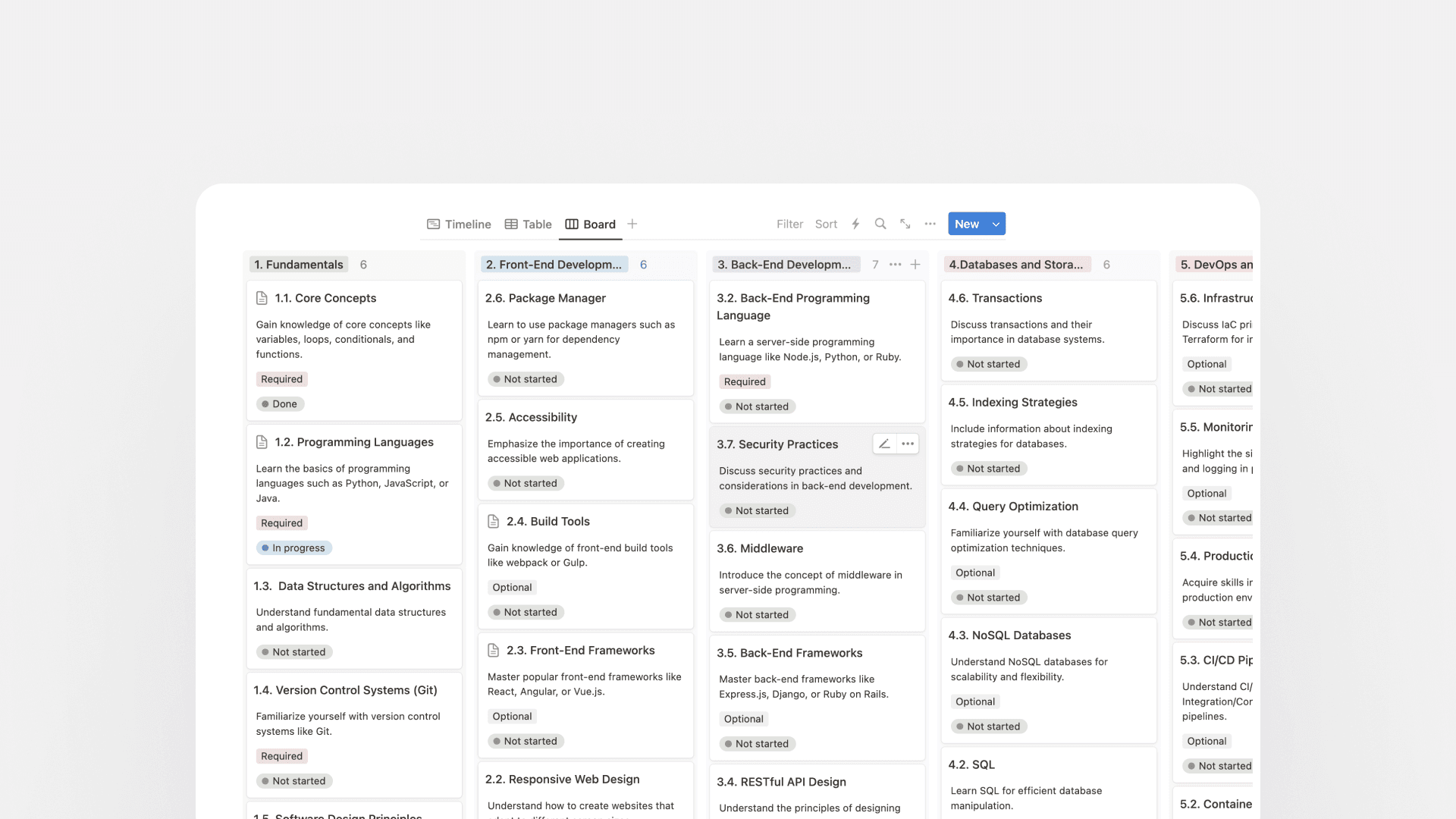
A self-paced overview of what to learn as a full-stack web developer.
As promised in my full video, I said I would put together a full-stack developer roadmap for new learners and beginners, so I'm starting with that first.
This roadmap gives a general overview of full-stack development without pretending to be a complete tutorial. It’s organized into chapters and modules (Fundamentals, Frontend, Backend, Databases) with curated resources so you can move at your own pace.
Content Manager OS
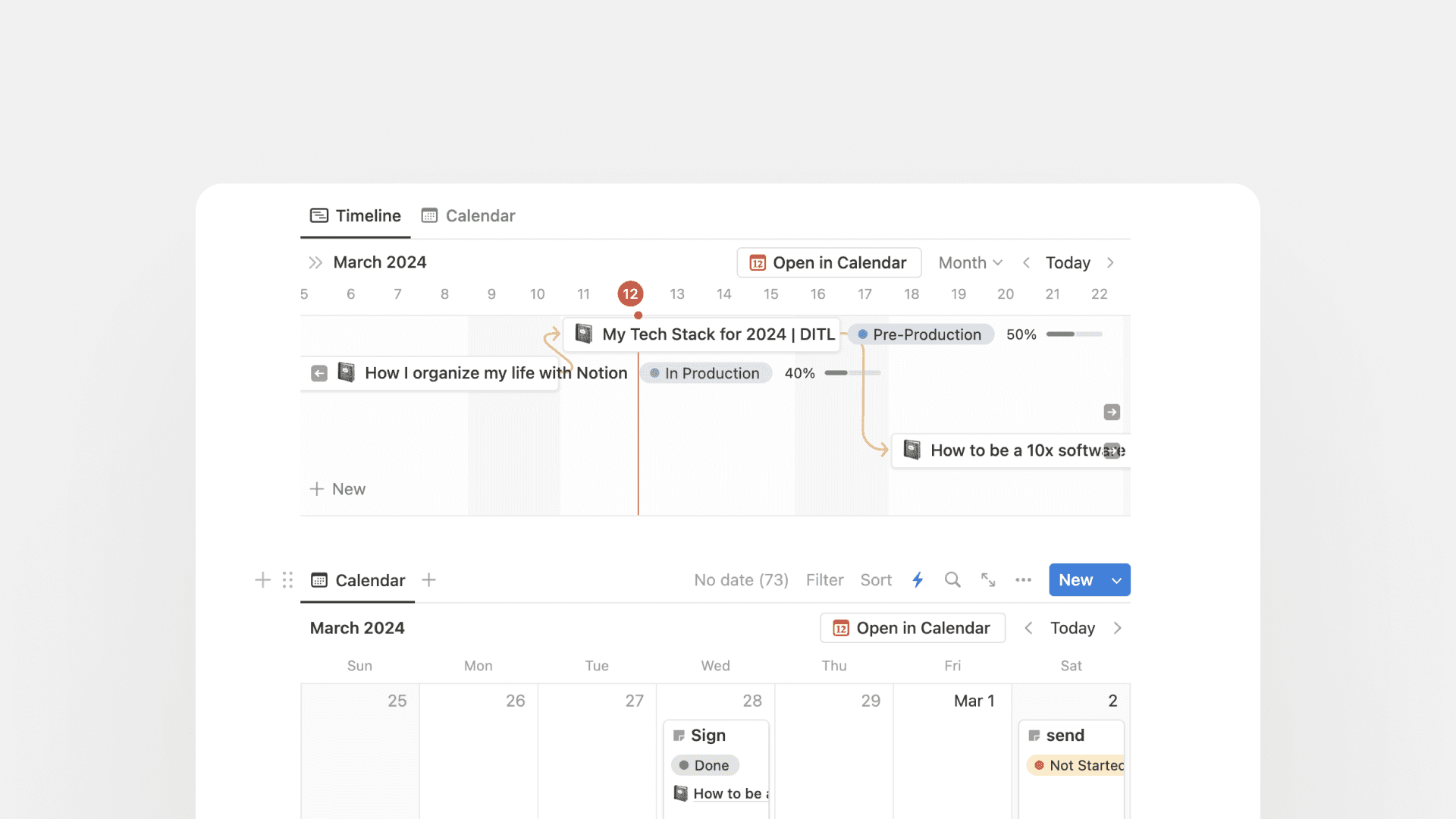
The operating system behind my content workflow. This is the only paid template in the list. The rest are free.
This is home base for content creation: a set of custom tables for project coordination, task monitoring, partners, and earnings. I’ve used it since the first video on the channel. It’s built around YouTube, but it works just as well for writing and other formats.
Good content starts with clear writing and planning. This template keeps research, production, deadlines, and key relationships in one place, so you’re not rebuilding the system from scratch every time a new project starts. It’s been the backbone of my workflow, including getting to 60k subscribers in the first year, and it’s had a lot of hours of refinement behind it.
The rest of these templates are more secondary. Tiny systems that I've used over time for a range of different productivity tasks, some a little more built out than others. But I still wanted to share them anyway, so here you are!
App development notes
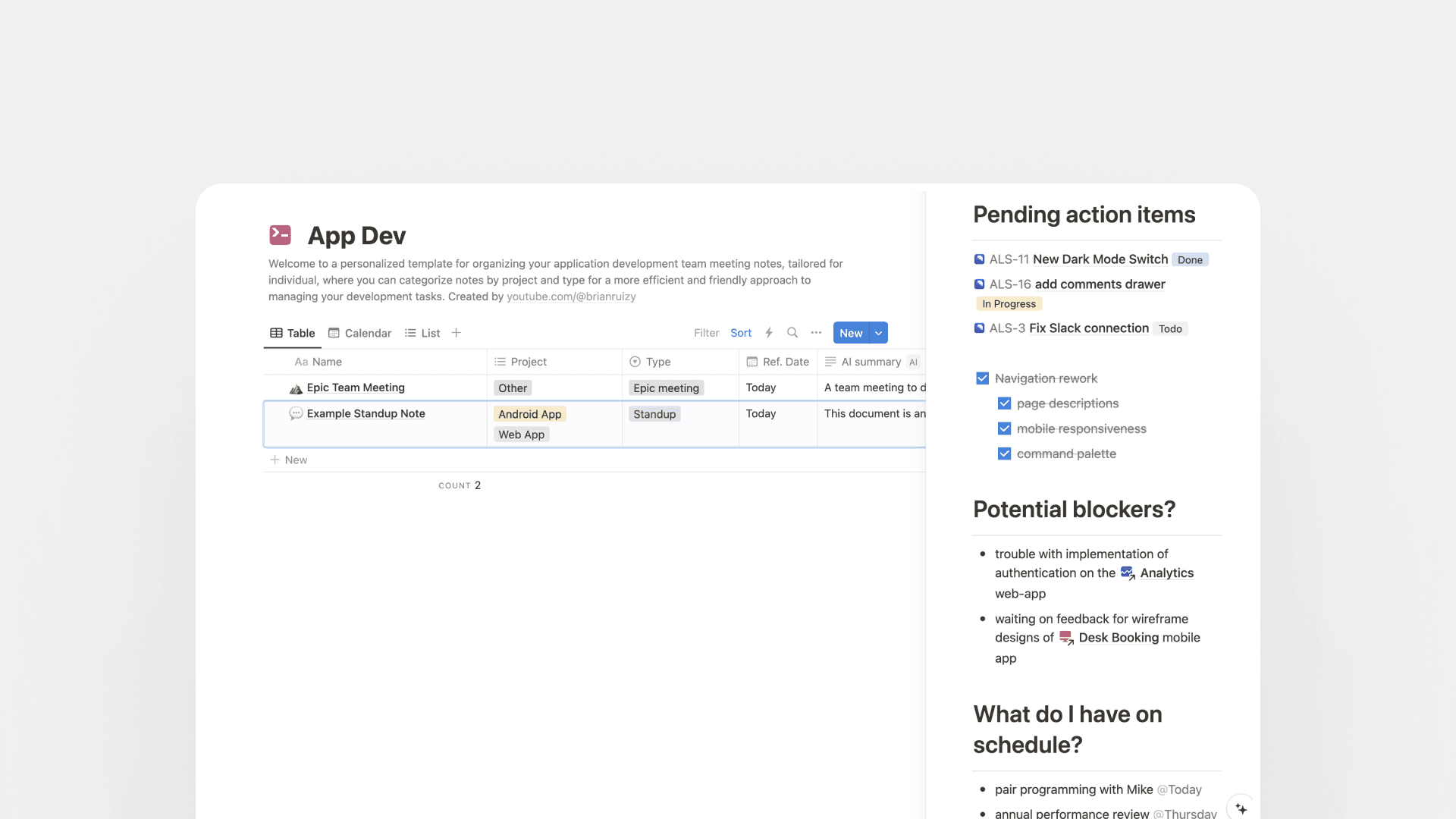
Starting with my app dev notes: a worklog for standups, sprint planning, postmortems, and weekly notes. Team task tracking lives elsewhere. This space is for preserving context and making past decisions easier to find. Notion’s AI summary and Q&A features are especially useful here.
Personal finance
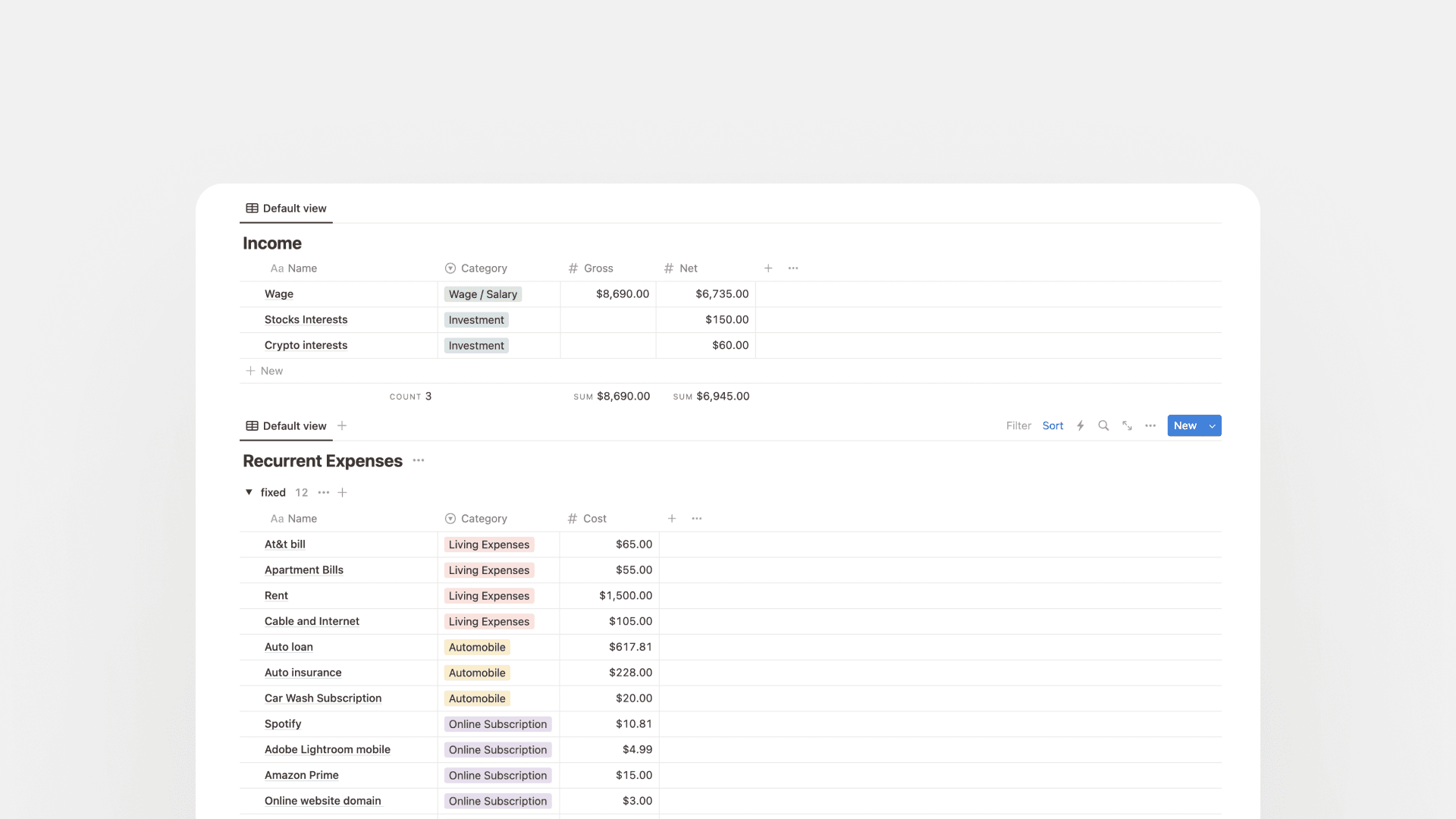
A lightweight budget and recurring-expense tracker with table calculations, categories, and tags. I don’t use it as heavily anymore. Notion isn’t ideal for granular money tracking when income and spend aren’t perfectly consistent, but it’s still a solid option.
Reading list
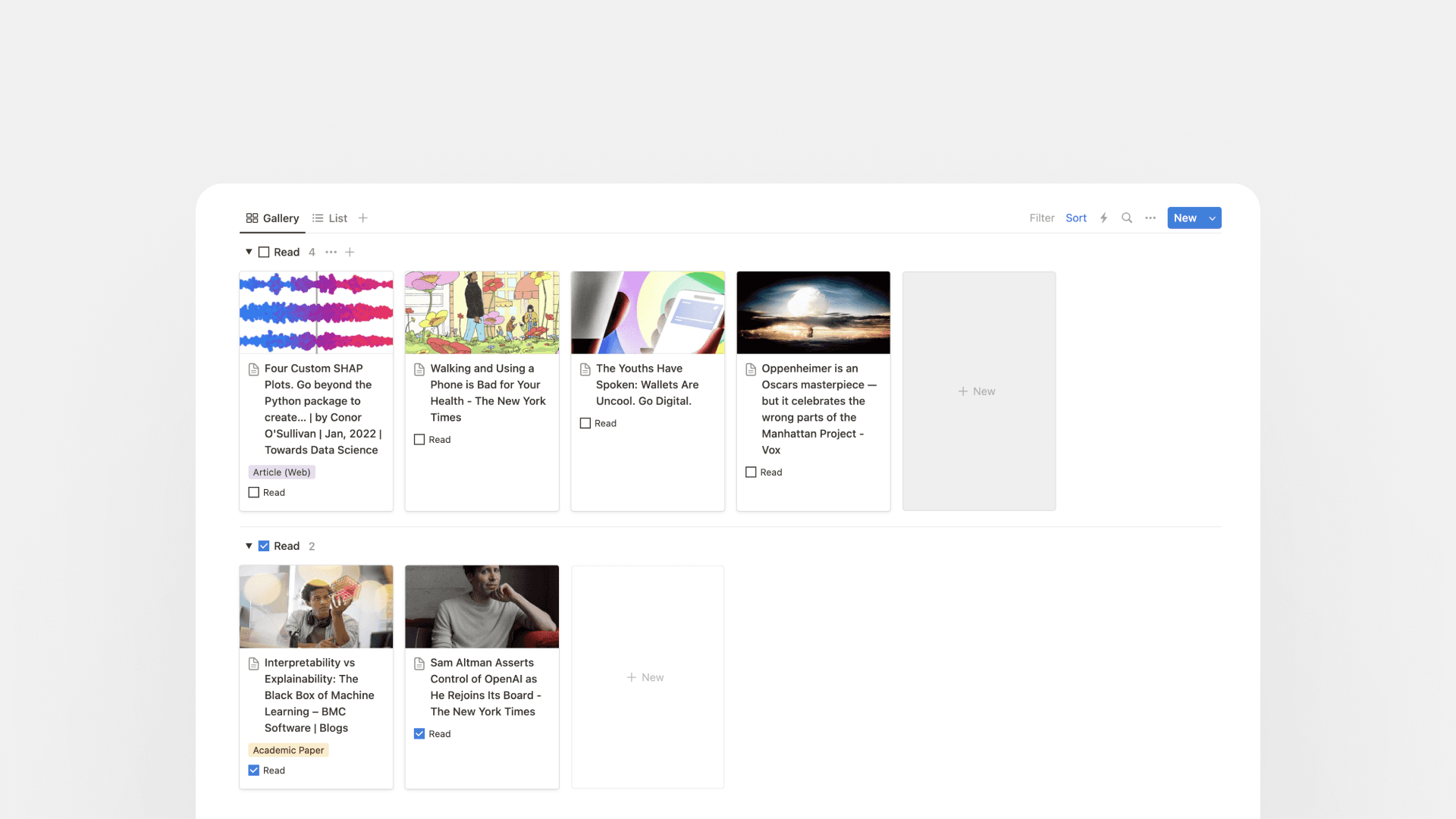
Built around the Notion Web Clipper. Save articles from the web and read them on any device later. It’s not perfect, but it’s fast.
Snippets
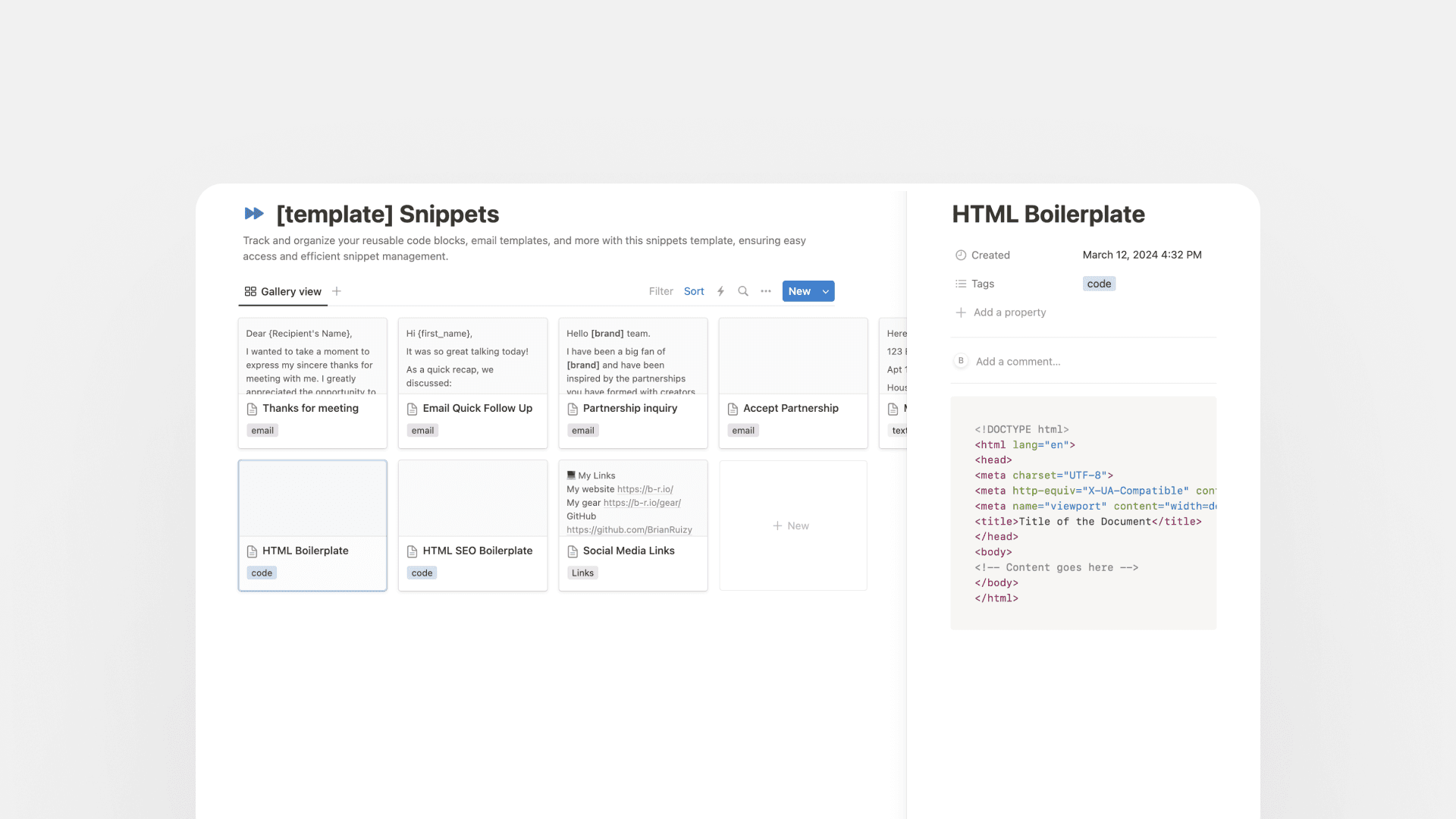
A home for reusable email templates, code blocks, and other text you reach for often. I’d like to add a quick fill-in-variables → copy-to-clipboard flow eventually.
LeetCode template
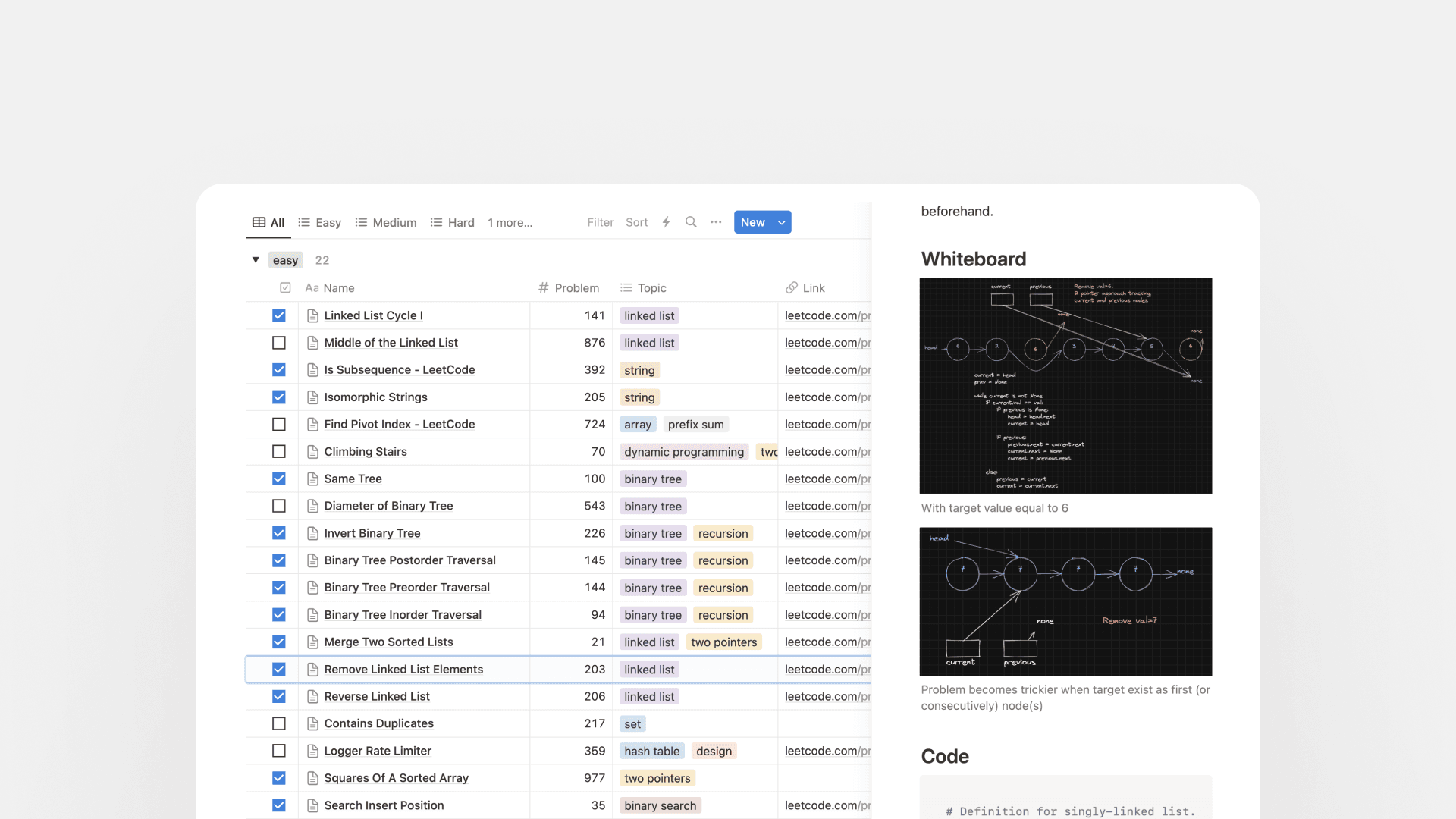
Interview practice without pure memorization: define the problem, capture your approach, sketch on a whiteboard block, add code, and note complexity. It keeps practice problems organized in one place.
These templates have been the backbone of how I stay organized. They’re not perfect, and they keep changing. Grab what helps and make it yours.