
My Desk Setup for 2023. Minimalist but functional.
I've curated a minimalist, clean workspace for coding and creating. Here's the 2023 desk, shelf, and cable setup, plus the links for everything that made the white oak and white combo work.
I've already created a video covering my desk setup. If you'd rather watch that, use the card below. This post is the written companion with all the links and resources in one place.
To provide some background, I'm a software engineer by day and part-time creator in the evenings. I spend a lot of hours at this desk coding, editing, and learning, so I put together a setup that works for both.
A deep dive into the tech gadgets and home office products that make up this workspace.

The Desk
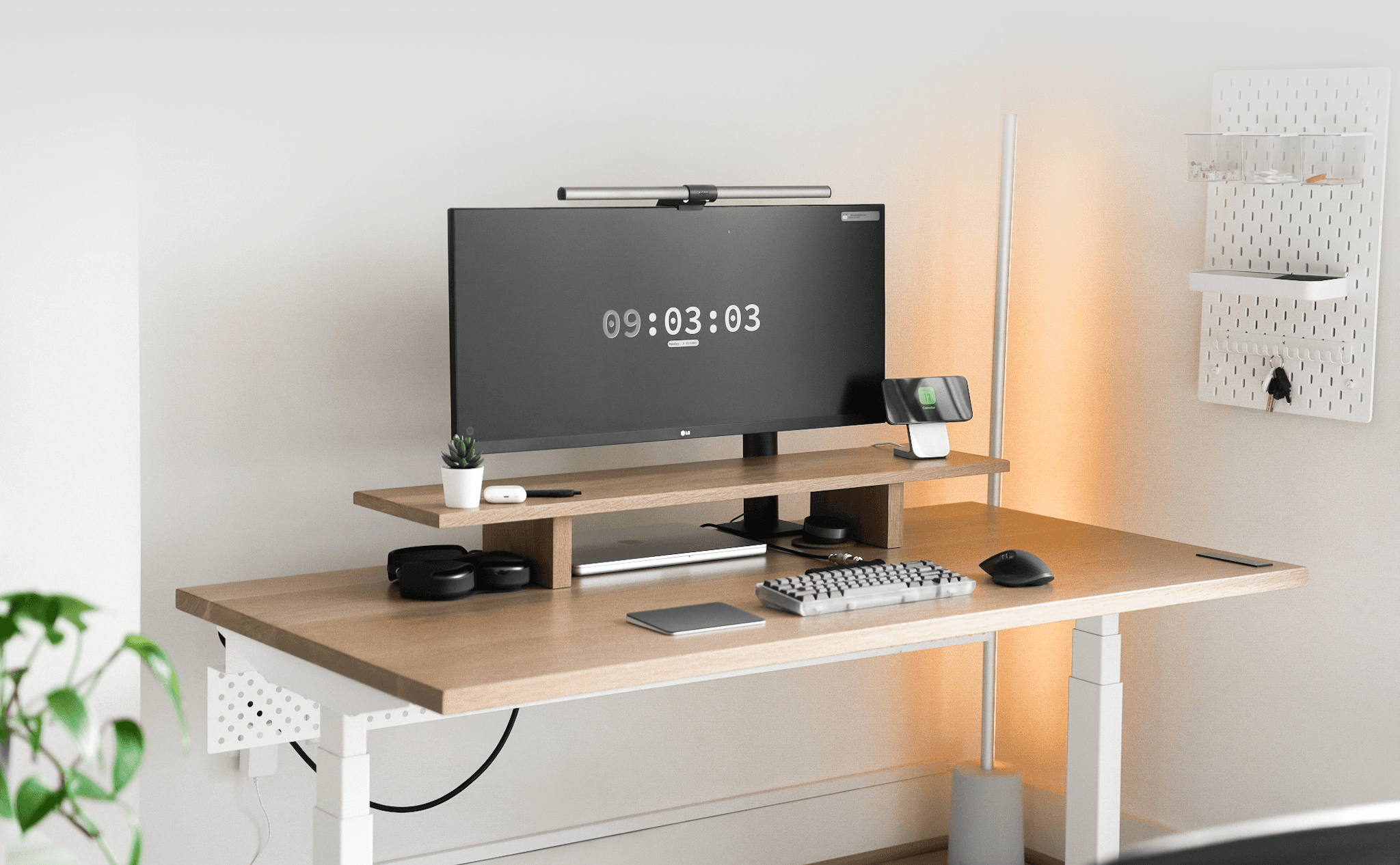
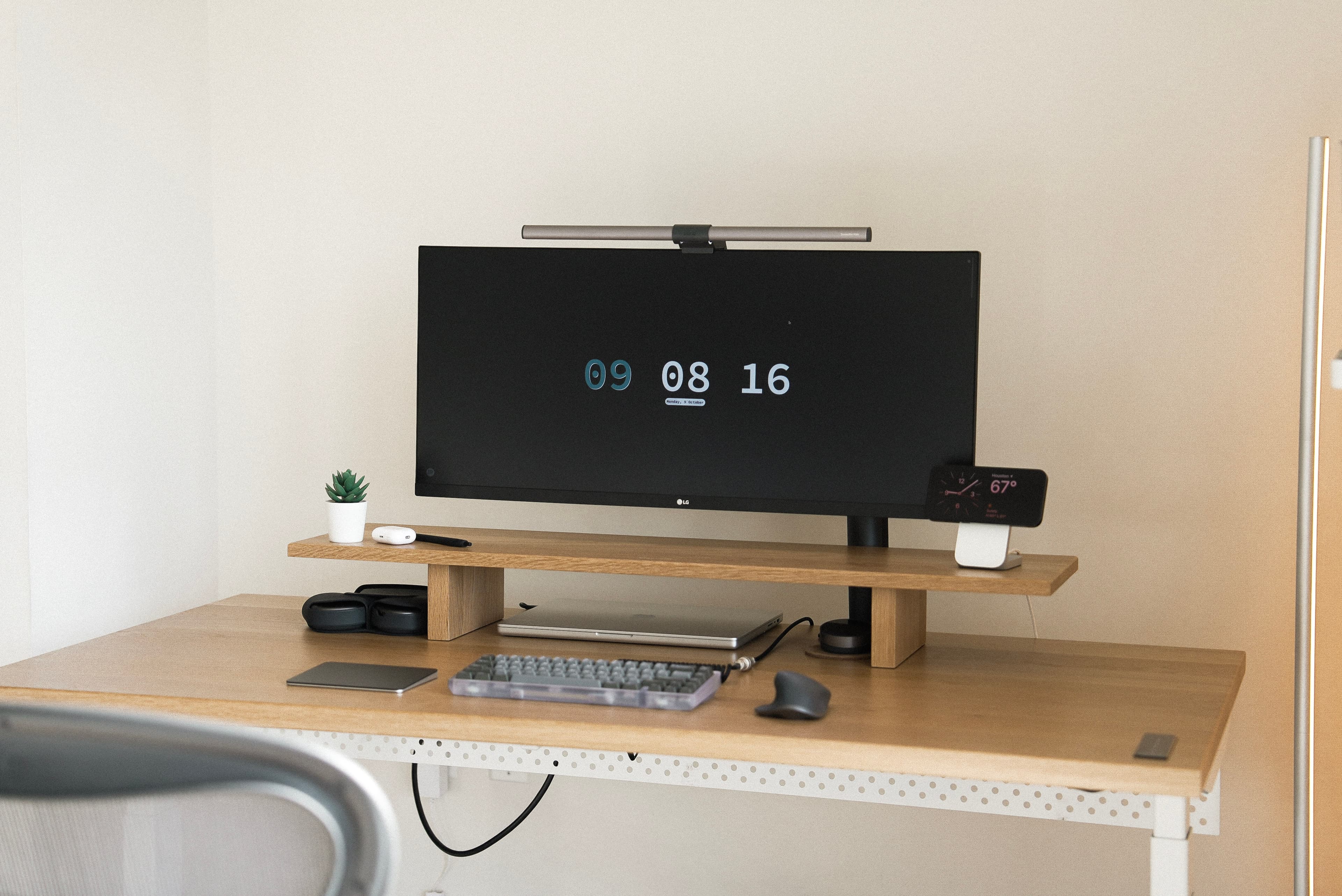
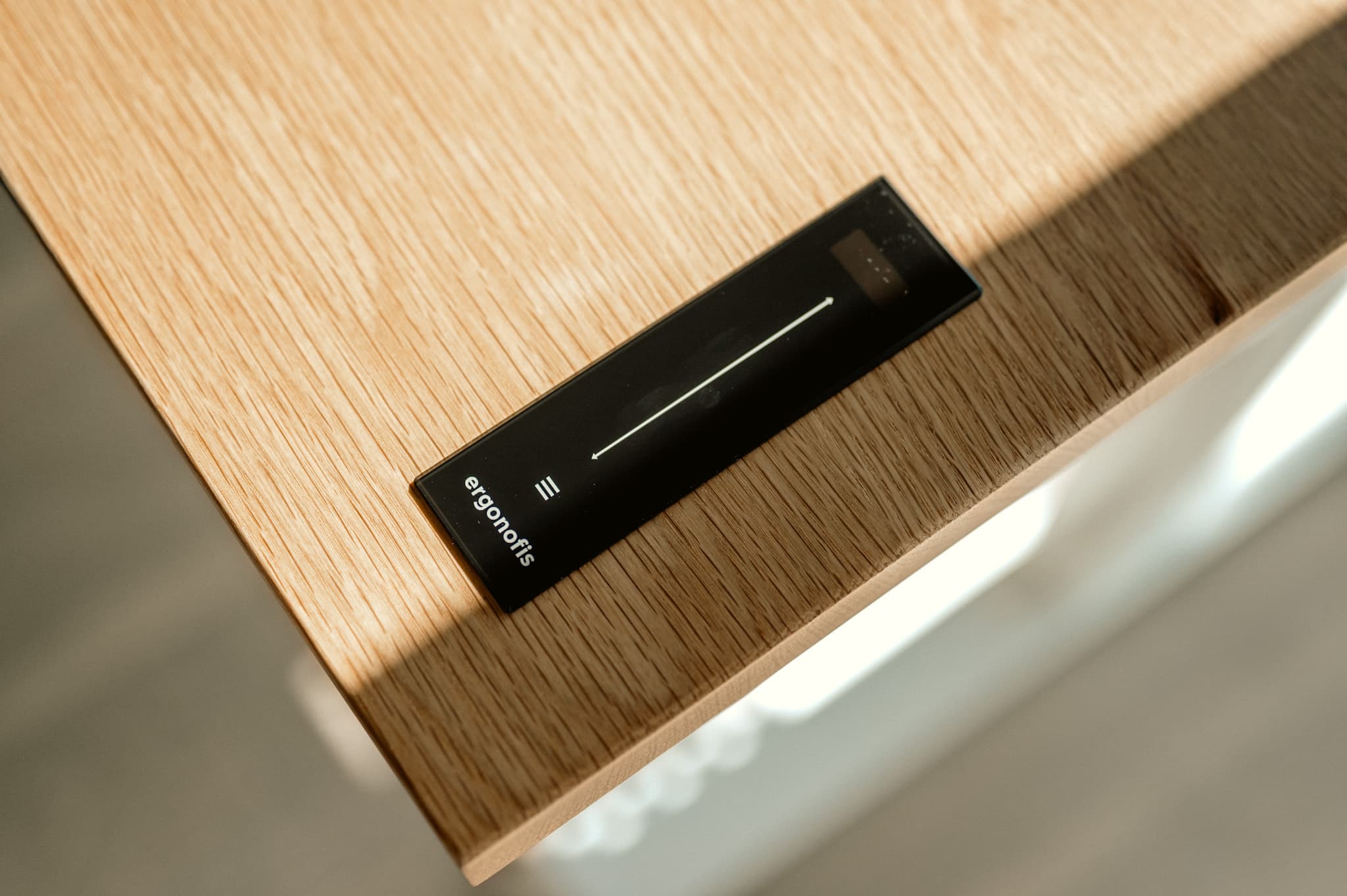
First things first: the desk. It's the centerpiece of the setup. I got to test the Ergonofis Sway Desk, which was gifted to me. It's a game-changer, with a slick control interface and aesthetics that match the functionality. They also built in an anti-collision system.
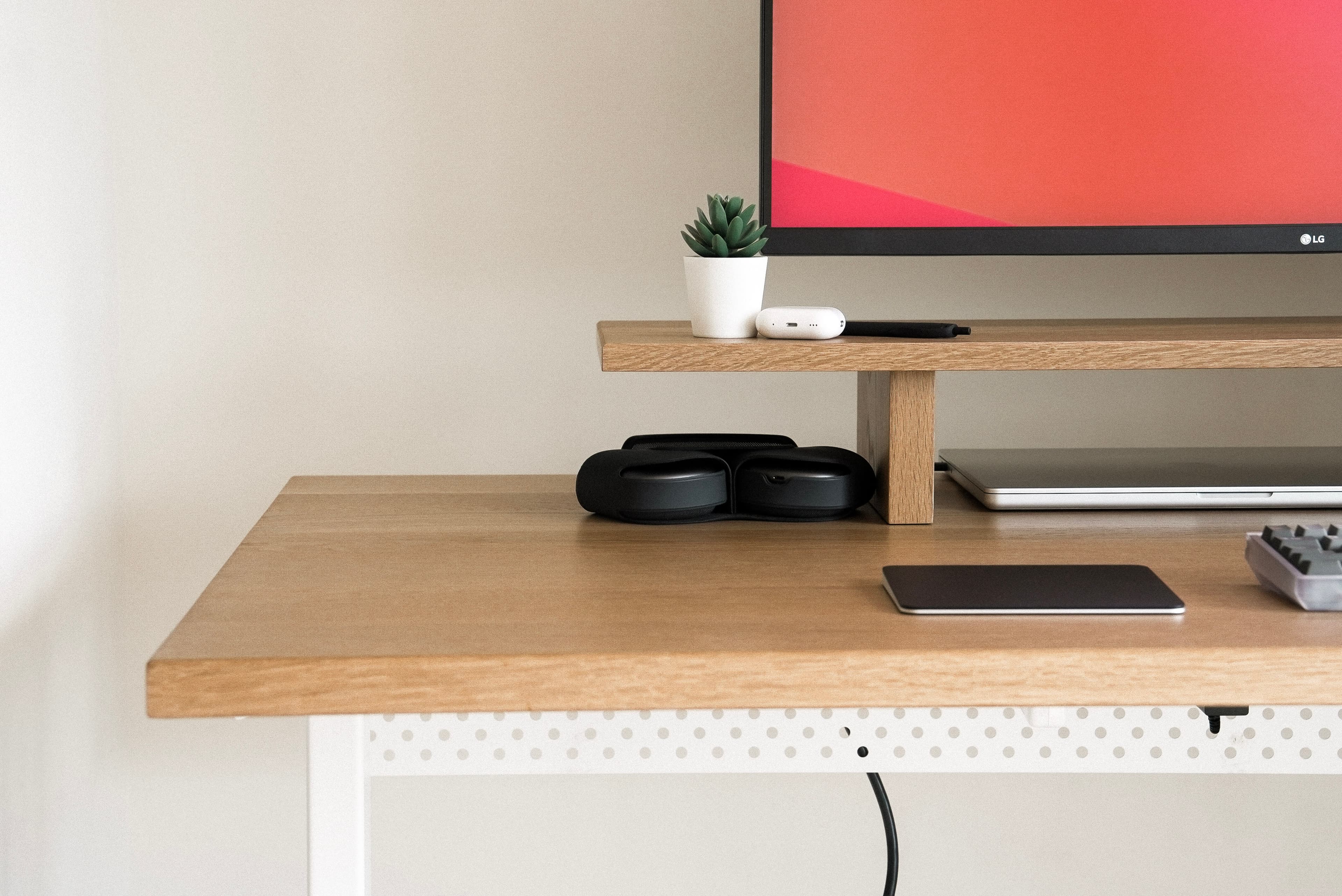
The Ergonofis team also sent their solid wood monitor riser / desk shelf. Having your monitor at eye level is better for posture, and the shelf is a clean way to get there while adding some style.
- Ergonofis Sway Desk: A versatile standing desk with intuitive preset heights
- Ergonofis Desk Shelf: Solid wood shelf to elevate the display
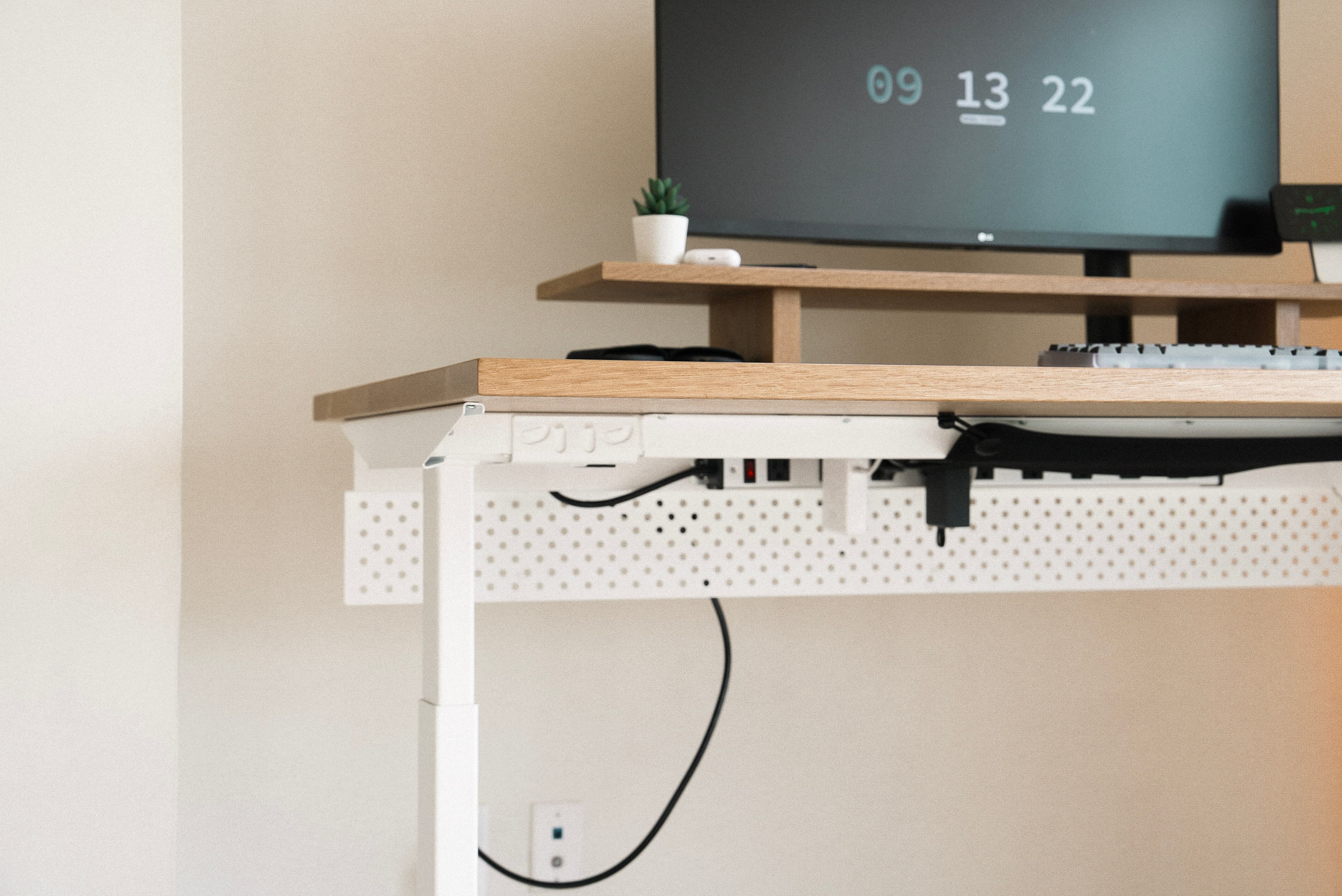
- Ergonofis Cable Management: Keeps the underside tidy
Monitors and Lighting
A high-quality monitor matters for my work, and I chose the LG 34WN780. Its ergonomic stand gives full control over screen positioning. I also added the BenQ ScreenBar Halo, a USB-powered lamp that gives consistent, glare-free light across the desk.
- LG 34WN780 Monitor: Strong monitor with ergonomic versatility
- BenQ ScreenBar Halo: USB-powered lamp for consistent desk illumination
Computer Setup
My primary machine is the 16-inch MacBook Pro. To streamline connections and cut cable clutter, I use an Anker USB-C hub. For audio, I reach for AirPods Max when I want to focus without distractions.
- 16-inch MacBook Pro: Reliable laptop for day-to-day work
- Anker USB-C Hub: Simplifies connections for a cleaner desk
- Nomad MagSafe Dock: Premium dock for MagSafe-compatible devices
Audio
I prefer headphones over the monitor speakers. AirPods Max are the main pair for quality and focus.
- AirPods Max: Primary headphones for deep work
- Apple AirPods Pro: Compact earbuds for lighter tasks
- Sonos Beam Soundbar: Wall-mounted soundbar when I want the room to feel like a mini theater
Peripherals
I'm a mechanical keyboard enthusiast, and my favorite at the time was the Envoy by Mode Designs. Paired with the GMK Dracula keycap set and a Tomorrow-themed set, it added a personal touch. For pointing, I used the Logitech MX Master III for the extra buttons and ergonomics.
- Orbitkey Desk Mat: Desk mat with built-in storage
- Mode Envoy Keyboard: Favorite keyboard of that year
- Alexotos Linear Switches: Smooth linear switches; I get a lot of compliments on the sound
- GMK Dracula Keycap Set: Custom keycaps with a personal look
- Logitech MX Master III: Productive, ergonomic mouse
- Magic Trackpad: Gesture-friendly alternative to a traditional mouse
Chair and Ergonomics
For long sessions, I chose the Herman Miller Aeron. Fully adjustable, with lumbar support that keeps posture comfortable through the day.
- Herman Miller Aeron Chair: Ergonomic chair built for long hours
Miscellaneous Items
A few extras that round out the workspace:
- Ikea Pegboard: Keeps essentials within reach
- Govee RGB Floor Lamp: Ambient lighting for the room
- Fellow Products Coffee Grinder: For a better cup at the desk
- Electric Kettle: Quick brewing
- Larq Water Bottle: Self-cleaning bottle for all-day hydration
Conclusion
That was the 2023 workspace. I've since moved and updated parts of the setup (see the later NYC desk tour), but this one still captures where I was that year: minimal, functional, and tuned for long coding and creating sessions.