
Software Engineer's Productive and Minimal Desk Setup
I've curated a minimalist, clean workspace for coding and creating. Here's the 2023 desk, shelf, and cable setup, plus links for everything that made the white oak and white combo work.
This is the companion guide to the video above, with every product link and photo in one place.
I'm a software engineer by day and a part-time creator in the evenings. I spend a lot of hours at this desk coding, editing, and learning, so I built a setup that stays minimal, functional, and productive for both.
The Desk
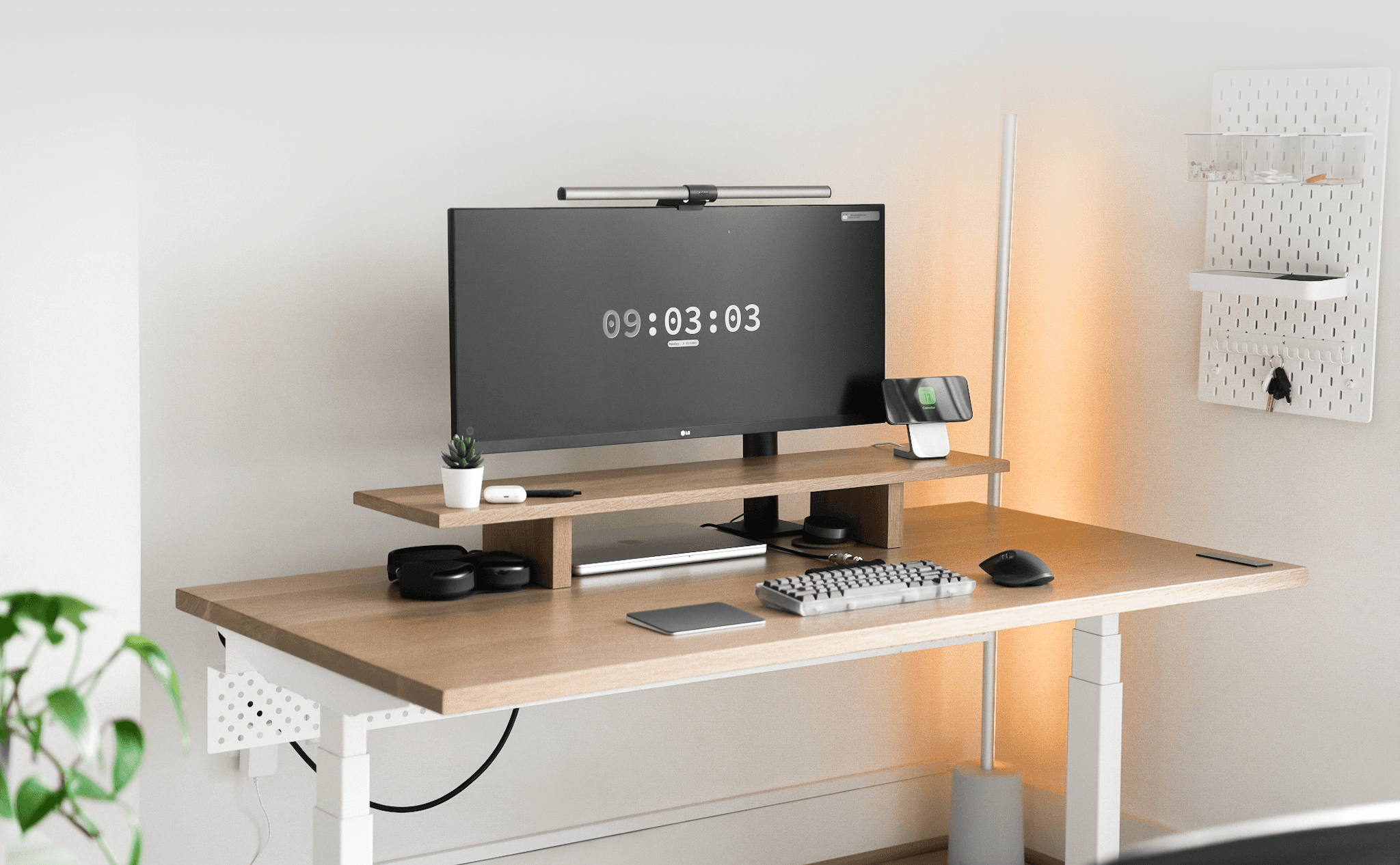
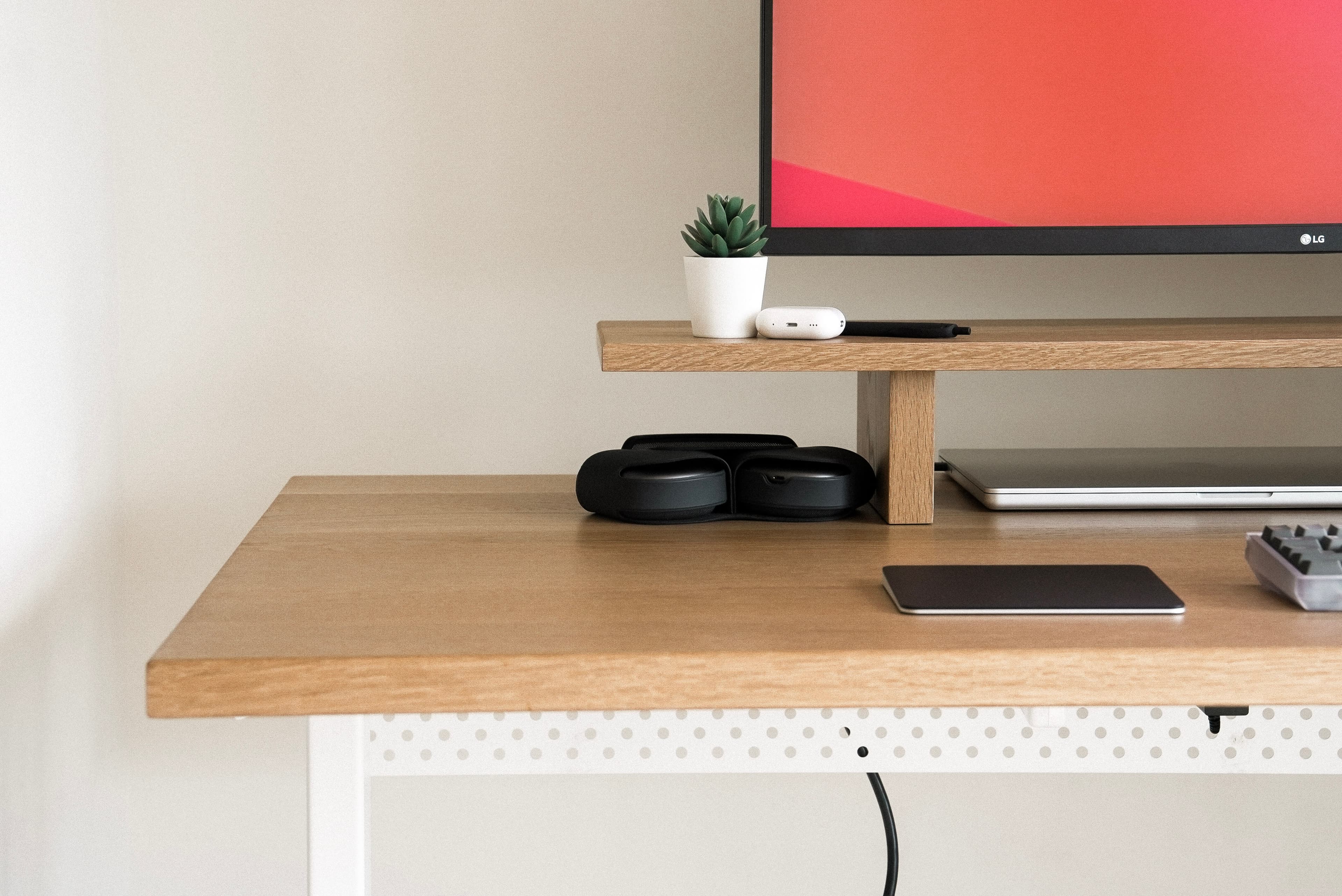
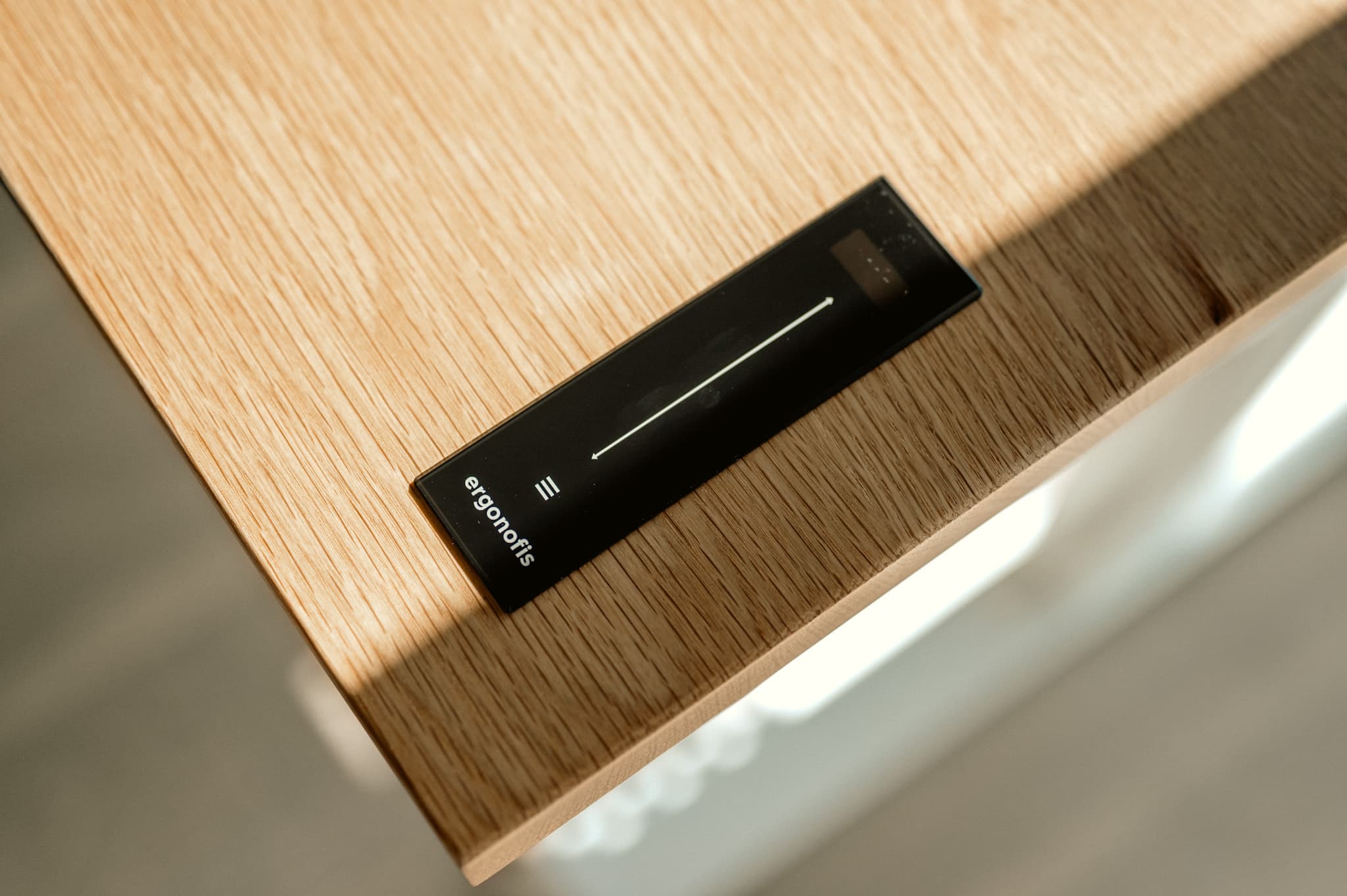
The centerpiece is the  Ergonofis Sway Desk, which Ergonofis gifted me for this build. It's a game-changer: a slick control interface, an anti-collision system, and build quality that makes standing all day feel natural. They also sent their solid wood monitor riser / desk shelf, which keeps the display at eye level, improves posture, and adds structure to the surface.
- Ergonofis Sway Desk: Versatile standing desk with intuitive preset heights
- Ergonofis Desk Shelf: Solid wood shelf to elevate the display
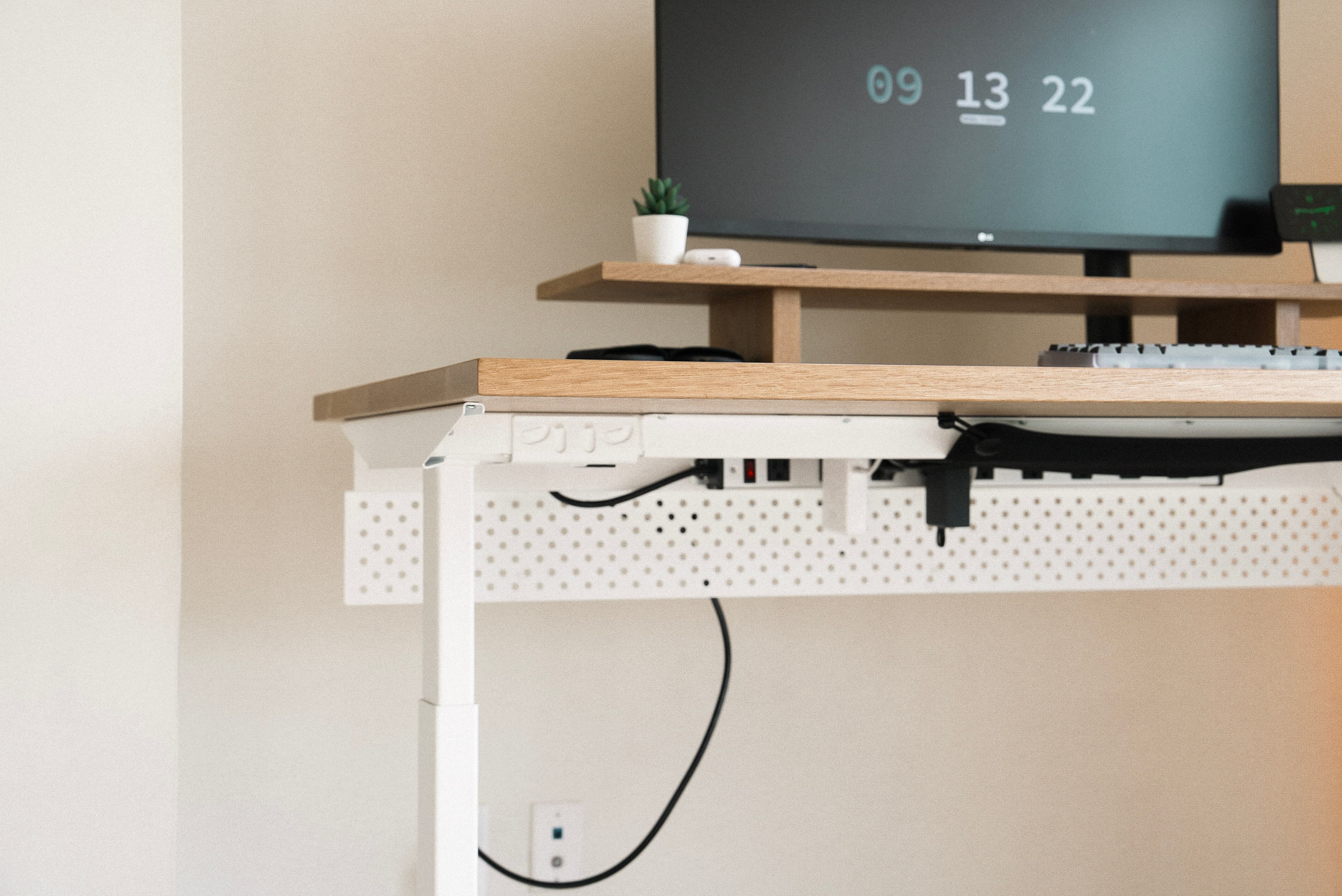
- Ergonofis Cable Management: Keeps the underside tidy
Monitors and Lighting
A high-quality monitor matters for my work. I chose the LG 34WN780 for its ergonomic stand and wide canvas, and added the BenQ ScreenBar Halo for consistent, glare-free light across the desk.
LG 34WN780 Monitor: Strong monitor with ergonomic versatility
Computer Setup
My primary machine is the 16-inch MacBook Pro. An Anker USB-C hub streamlines connections and cuts cable clutter, and a Nomad MagSafe dock keeps my phone out of the way.
Nomad MagSafe Dock: Premium dock for MagSafe-compatible devices
Audio
I prefer headphones over the monitor speakers. AirPods Max are my main pair for quality and focus, with AirPods Pro for lighter tasks and a Sonos Beam when I want the room to feel like a mini theater.
Peripherals
I'm a mechanical keyboard enthusiast. The Mode Envoy with Alexotos linear switches and a GMK Dracula keycap set is still my favorite daily typer. For pointing, I switch between a Logitech MX Master III and an Apple Magic Trackpad.
 Mode Envoy Keyboard: Favorite keyboard of that year
- Alexotos Linear Switches: Smooth linear switches; I get a lot of compliments on the sound
GMK Dracula Keycap Set: Custom keycaps with a personal look
Chair and Ergonomics
For long sessions, I chose the Herman Miller Aeron. Fully adjustable, with lumbar support that keeps posture comfortable through the day.
- Herman Miller Aeron Chair: Ergonomic chair built for long hours
Miscellaneous Items
A few extras that round out the workspace:
 Ikea Skådis Pegboard: Keeps essentials within reach
Conclusion
That was the 2023 workspace. I've since moved and updated parts of the setup — see my NYC desk tour for my next version, but this one still captures where I was that year: minimal, functional, and tuned for long coding and creating sessions.